Comparison
ContactRoll vs Zoho for a team of five
Zoho sells a large family of business apps, among them Zoho CRM, Zoho Desk, Zoho Voice and Zoho Campaigns, each priced on its own.
What five people would buy at Zoho to match ContactRoll
| What the team needs | At Zoho | Per month |
|---|---|---|
| A CRM with contacts, companies and a deals pipeline | Zoho CRM Standard, 5 users at $14 [1] | $70 |
| Support email as tickets and a knowledge base | Zoho Desk Standard, 5 agents at $14 [2] | $70 |
| Calling with call queues, a phone menu and recording | Zoho Voice Basic, 5 users at $34 (multi-level IVR, call queues with ring strategies, call recording) [3][4] | $170 |
| Call minutes and numbers | Charged by use in Zoho Voice credits (1 credit is $1): a local number is 1 credit a month; for US numbers, Voice Basic includes unlimited calling within the US and Canada, toll-free excluded [3][7] | Usage |
| Marketing email to about 2,000 contacts, with sign-up forms | Zoho Campaigns Standard, up to 2,500 contacts [5] | $12.75 |
| Zoho, about | Includes the four Zoho apps; it leaves out Zoho Voice numbers, recording storage, and taxes. A team that takes its calls inside Zoho Desk can use one Zoho Voice Standard license with Desk Professional instead: see ContactRoll vs Zoho Desk. | $322.75 |
| ContactRoll Plus | 5 × $59, paid yearly; Twilio bills calls to you. | $295 |
For a team of 3 people or fewer, ContactRoll Free costs nothing: 1,000 contacts, one pipeline, one support address, calling through your own Twilio account, and 500 marketing emails a month (Free’s limits). Zoho CRM’s free edition is for 3 users. (Zoho CRM’s pricing page, read .) Zoho Desk’s free plan is for 3 agents. (Zoho Desk’s pricing page, read .)
Which one to choose
Choose Zoho if
- Price per app comes first: Zoho CRM Standard and Zoho Desk Standard are $14 a user each, and Campaigns Standard is $12.75 for up to 2,500 contacts. [1][2][5]
- You call a lot inside North America: Zoho Voice Basic includes unlimited calling within the US and Canada on US numbers, toll-free excluded. [3][7]
- You want many of a company’s apps, well beyond customer work, from one vendor.
Choose ContactRoll if
- You want each role’s access to each custom field on every plan; Zoho CRM puts field-level security on Professional and up.
- You want support cases inside the CRM: Zoho CRM has cases from Professional, and otherwise a team adds Zoho Desk.
- You want territories, approvals and commissions on every plan; Zoho CRM puts them on Enterprise and Ultimate (ContactRoll vs Zoho CRM, feature by feature).
- You would rather keep one product current than four.
In ContactRoll, against Zoho
- Cases, deals and calls on one record, where Zoho keeps them in Zoho Desk, Zoho CRM and Zoho Voice.
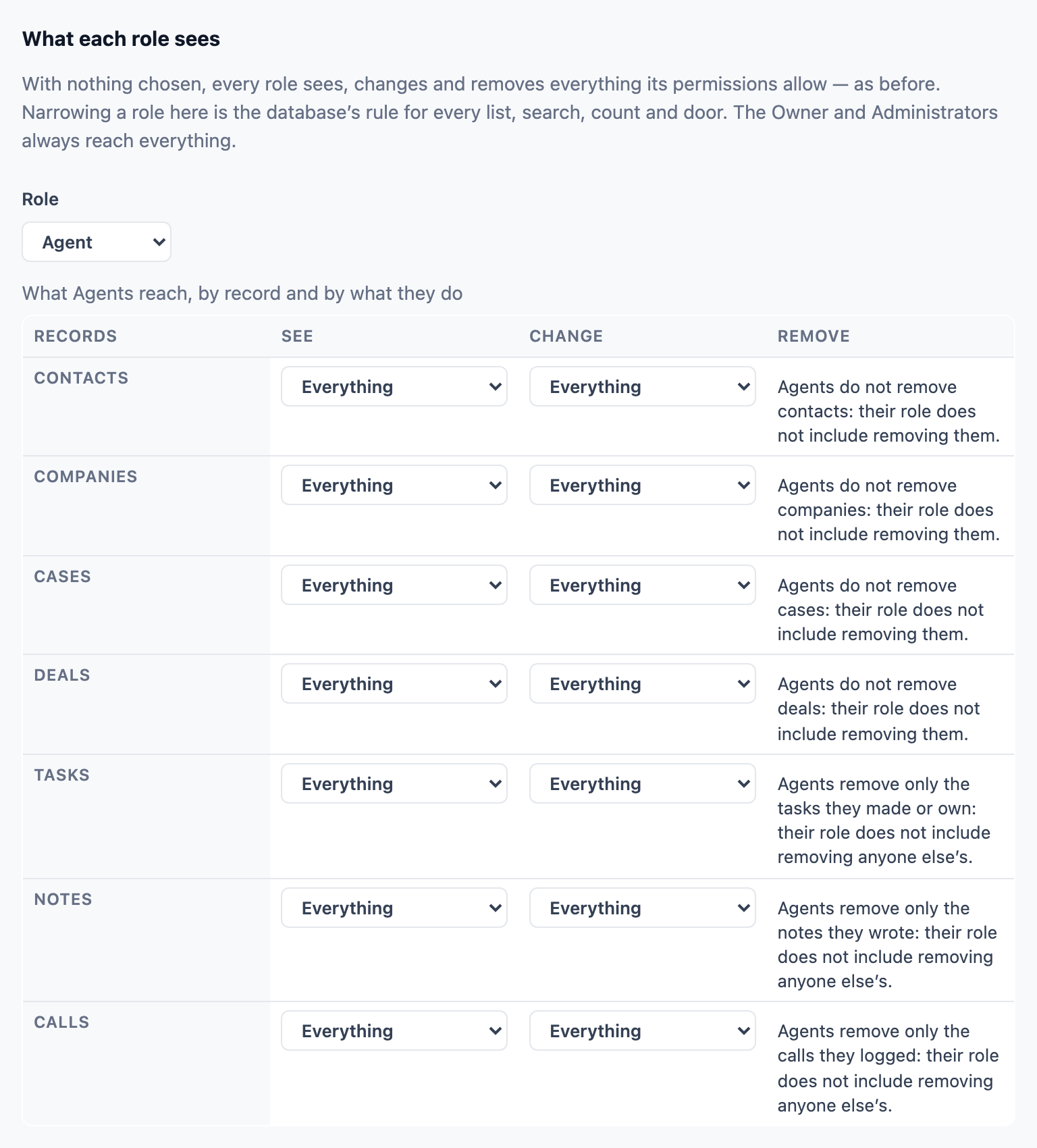
- Field-level access per role on every plan, Free included.
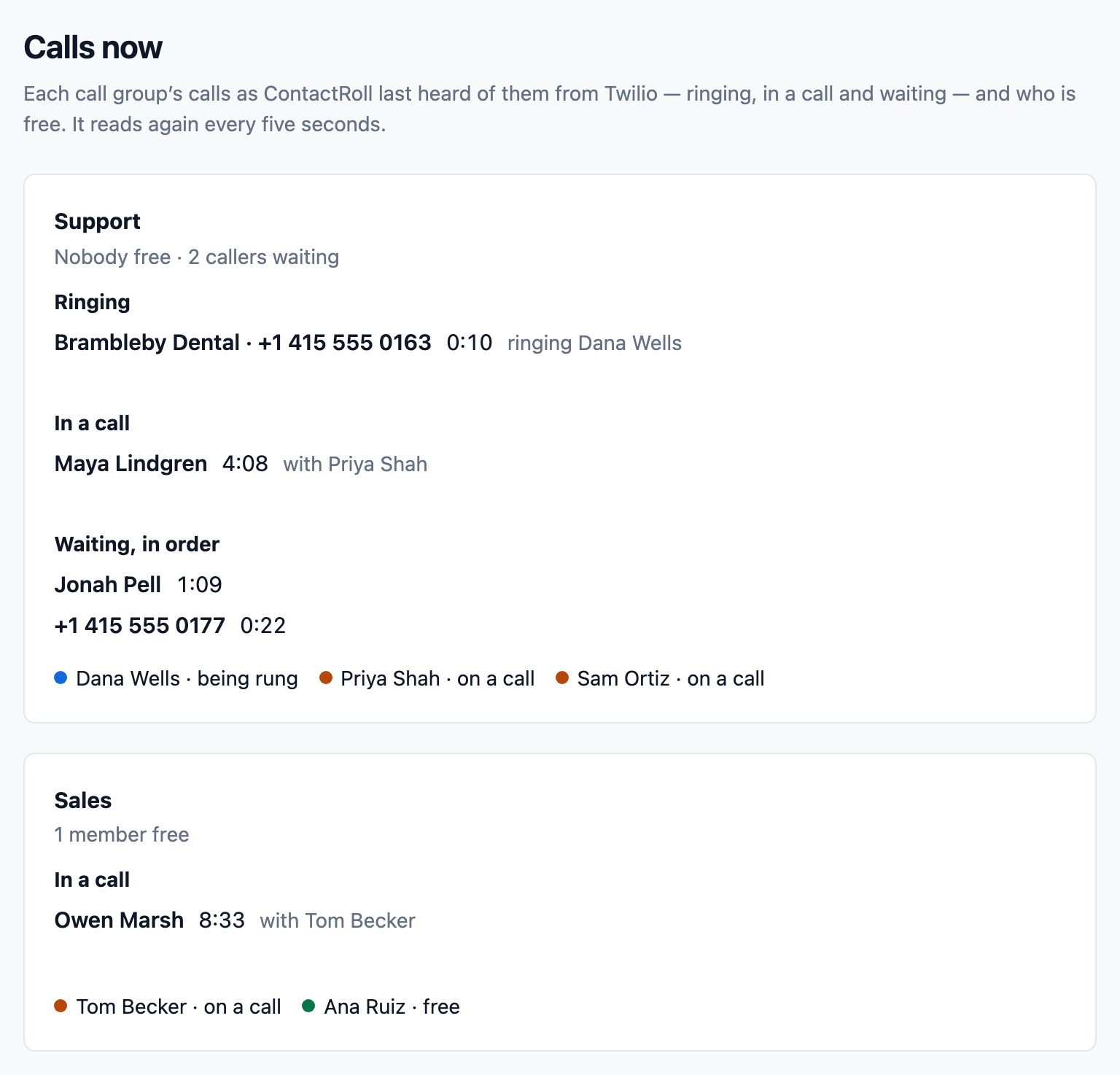
- Call groups and a line for callers to wait in on every plan, with phone menus on Plus.
- Marketing email from the same product as the CRM, to people with a consent record only.
Roles, automation, calling and the help desk
Zoho CRM’s editions — Free, Standard, Professional, Enterprise and Ultimate — from Zoho’s own comparison and feature list, read on October 31, 2026, beside what ContactRoll does and which plan has it.
| Topic | Zoho CRM | ContactRoll |
|---|---|---|
| Roles and permissions | Profiles and roles on every edition: 2 profiles on Free, 5 on Standard, 15 on Professional. Field-level security: Professional and up. Data sharing rules: Enterprise and up. [D2][D3] | Thirteen roles on every plan, and per custom field whether a role sees it, only reads it or not at all, which Zoho CRM keeps for Professional. Roles of your own on Plus. |
| Custom modules and roll-ups | Modules of your own: none on Free, 10 on Standard, 25 on Professional, 200 on Enterprise, 500 on Ultimate. Rollup summary fields: Professional and up, 2 a module there. [D7] | Fewer types: up to 5 record types of your own, on Plus. Lookup, calculated and roll-up fields on every plan, Free included, and a contact at several companies with a role at each. |
| Automation | Workflow rules on every edition: 30 a module on Standard, 15 of them active; 80 on Professional. Blueprints and assignment rules: Professional and up. [D2][D3] | New cases assigned by turns on every plan; sequences on Standard and Plus; flows on Plus, each tried on your own records before it goes on. |
| Calling | Built-in calling inside Zoho CRM, paid with prepaid credits (1 credit is $1). A phone system with a phone menu and call queues is Zoho Voice, a separate subscription from $34 a user a month, paid yearly. [D1][D4][D5] | No credits to buy: your own Twilio account bills each minute. Call groups and a waiting line on every plan, a phone menu on Plus, all without a Zoho Voice subscription. |
| Help desk | Cases, solutions and web-to-case forms: Professional and up. Case escalation rules: Enterprise and up. Otherwise Zoho Desk, sold separately. [D2][D3] | Cases from Free, not from Professional: a shared queue of support email, reply targets, macros, articles and a help center, with no Zoho Desk beside it. |
| Marketing email | Mass email is for sales work, not in Free: 250 a day for the organization on Standard, 500 on Professional. For campaigns, Zoho points to Zoho Campaigns, sold separately. [D3][D6] | Campaigns, not mass email for sales: approved emails to people with a consent record, double opt-in forms and one-click unsubscribe, 500 on Free and up to 10,000 contacts on Plus. |
What Zoho CRM puts on a higher edition or sells apart, and ContactRoll has on every plan
- Support cases (Zoho CRM Professional and up, or Zoho Desk): in ContactRoll, support email as a queue of cases, on every plan, Free included. [D2]
- Field-level security (Zoho CRM Professional and up): in ContactRoll, each role’s access to each custom field, on every plan. [D2]
- A phone menu and call queues (Zoho Voice, a separate subscription): in ContactRoll, call groups and a line for callers on every plan, and phone menus on Plus. [D5]
Zoho CRM Standard is $14 a user a month, paid yearly ($20 monthly); Professional $23 ($35); Enterprise $40 ($50); Ultimate $52 ($65). [D1] ContactRoll is free for up to 3 people; Standard is $29 and Plus $59 a user a month, paid yearly.
- [D1] Zoho, Zoho CRM pricing (and the price list it loads, crm-pricing-val.json): https://www.zoho.com/crm/zohocrm-pricing.html, read 2026-10-26.
- [D2] Zoho, Zoho CRM edition comparison: https://www.zoho.com/crm/comparison.html, read 2026-10-26.
- [D3] Zoho, Zoho CRM complete feature list: https://www.zoho.com/crm/complete-feature-list.html, read 2026-10-26.
- [D4] Zoho CRM help, working with built-in telephony: https://help.zoho.com/portal/en/kb/crm/connect-with-customers/telephony/articles/working-with-built-in-telephony, read 2026-10-26.
- [D5] Zoho, Zoho Voice pricing (and voice-pricing-val.json): https://www.zoho.com/voice/pricing.html, read 2026-10-26.
- [D6] Zoho CRM help, email limits: https://help.zoho.com/portal/en/kb/crm/connect-with-customers/email/email-limits-and-availability/articles/email-limits, read 2026-10-26.
- [D7] Zoho, Zoho CRM edition comparison (custom modules, rollup summary): https://www.zoho.com/crm/comparison.html, read 2026-10-31.
Sources
Zoho’s prices change; its own pages below decide. Zoho is its owner’s trademark.
- Zoho, Zoho CRM pricing: https://www.zoho.com/crm/zohocrm-pricing.html, read 2026-10-26.
- Zoho, Zoho Desk pricing: https://www.zoho.com/desk/pricing.html, read 2026-10-26.
- Zoho, Zoho Voice pricing (plan features): https://www.zoho.com/voice/pricing.html, read 2026-10-26.
- Zoho, Zoho Voice price list (the file the pricing page loads): https://www.zoho.com/sites/zweb/json/pricing/voice-pricing-val.json, read 2026-10-26.
- Zoho, Zoho Campaigns pricing: https://www.zoho.com/campaigns/pricing.html, read 2026-10-26.
- Zoho, Zoho CRM edition comparison: https://www.zoho.com/crm/comparison.html, read 2026-10-26.
- Zoho, Zoho Voice pricing, as shown for the United States: https://www.zoho.com/voice/pricing.html, read 2026-10-26.
- Zoho CRM Help, export CRM data: https://help.zoho.com/portal/en/kb/crm/data-administration/export-data/articles/export-crm-data, read 2026-10-14.
Questions
What do I give up by leaving Zoho?
A free tier for each Zoho app, Zoho’s low price per app, and the reach of a large family of business apps. ContactRoll is one product, free for up to 3 people.
How do I move my data out of Zoho CRM?
In Zoho CRM open Setup, then Data Administration, then Export, choose the module and fields, and download a CSV or XLSX file: up to 200,000 records from one module at a time. ContactRoll’s import reads Zoho CRM’s columns as they come. Cases and deals are not imported.
Do we keep unlimited calling?
No. ContactRoll calls go through your own Twilio account, which bills each minute at Twilio’s published rates. A team that calls mostly within the US and Canada should price its own minutes on the calling cost calculator first.